

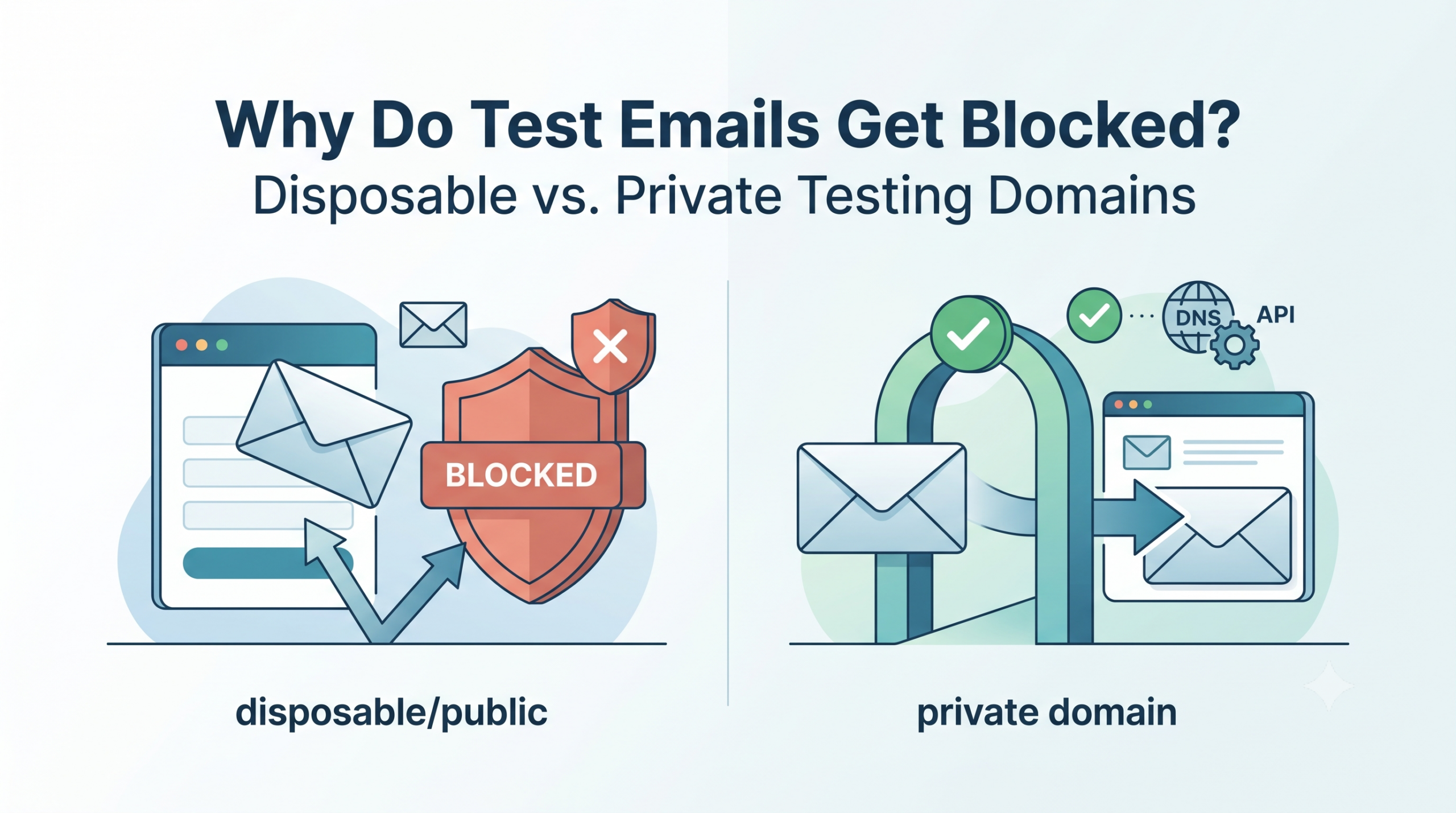
TL;DR: Signup forms and email platforms often reject known disposable or public domains, hit rate limits, or flag shared addresses as abuse, so your test emails fail. Fortunately, a private testing domain fixes this: because you own the domain, it passes validation, keeps test data private, and never collides between test runs — and it still gives you API access to read every message.
If your automated signups suddenly fail at the “enter your email” step, the problem usually is not your code — instead, it is the address. Many applications reject disposable and public email domains outright. Therefore, the reliable answer is to move testing onto a private testing domain, which looks like any ordinary company domain to the application under test. In fact, Mailinator’s Verified Pro tier includes one for free.
Why do test emails get blocked?
Test emails fail for four common reasons: first, the address sits on a public or disposable-domain blocklist; second, the platform enforces per-address or per-domain rate limits; third, a shared public inbox trips abuse detection; and finally, the receiving system filters mail that it cannot verify. Because each of these is a property of the address rather than of your test, simply changing the address fixes it.
- Disposable-domain blocklists: signup forms reject addresses on well-known throwaway domains.
- Rate limits: platforms like payment and cloud providers throttle repeated signups from one domain.
- Shared-inbox abuse flags: public inboxes anyone can read often look like abuse to some systems.
- Deliverability filters: systems silently drop mail to unverifiable or high-risk domains.
What is the difference between disposable email and a private testing domain?
A disposable or public email address is shared and throwaway, and platforms often blocklist it. As a result, it works well for a quick manual check but proves unreliable for automation. By contrast, a private testing domain is your own domain, and only your team can read its inboxes. Therefore, it passes validation, stays private, and supports API-driven automation at scale. The table below compares them directly.
| Attribute | Disposable / public inbox | Private testing domain |
|---|---|---|
| Passes signup validation | Often blocked | Yes — looks like a normal domain |
| Privacy | Public; anyone can read | Private to your team |
| Address collisions | Possible in parallel runs | None — you own the namespace |
| Rate limits | Shared, unpredictable | Controlled by your plan |
| API and webhooks | Limited or none | Full API access |
| Best for | Quick manual checks | Automated QA at scale |
When should you use a private testing domain?
Use a private testing domain whenever tests run automatically, run in parallel, or hit systems that validate the sender’s domain. In practice, that covers most real QA. Public inboxes still work for a fast, throwaway manual look. However, any suite that must pass reliably in CI, or any flow behind a platform that blocks disposable addresses, belongs on a private domain.
How do you set up a private testing domain?
Setting up a private testing domain takes three steps. First, create an account with a provider that supports custom domains. Next, add a DNS record so your domain routes its mail to the service. Finally, send test email to any address on that domain and read it through the API. With Mailinator Verified Pro, this comes free and takes only a few minutes.
- Create a free Verified Pro account and add your test domain.
- Point the domain’s MX record at the service as shown in setup.
- Send to any address on the domain, then fetch messages via the REST API or a webhook.
Frequently asked questions
Why is my test email address being rejected at signup?
Most likely, the address sits on a disposable-domain blocklist that the signup form checks. Because applications commonly reject known throwaway and public domains, they cut down on abuse. Instead, switch to a private testing domain — your own domain — and it passes validation, since it looks just like an ordinary business address.
Are disposable email domains blocked by services like Stripe and AWS?
Yes. Many platforms that guard against abuse do restrict or throttle known disposable and public domains at signup. A private testing domain avoids this, because you control a real domain. As a result, it clears domain-level validation while still letting your tests read every message by API.
Can I still use public inboxes for testing?
Yes — public inboxes work well for a quick, no-signup manual check. However, they fall short on automation, because they can be blocked, shared, and rate-limited. Therefore, for anything that runs in CI or in parallel, a private testing domain proves far more reliable.
Stop fighting blocked test addresses. Create a free Verified Pro account, add your own private testing domain, and run automated email tests that pass validation every time.